
A controller we spoke with last year was closing books across three entities. Every month brought the same routine. Export invoices, retype half of them into the ledger, chase two systems that disagreed about the same number, then sign off at eleven at night. She had already bought two automation tools, and neither touched the part that hurt.
That gap is the real problem with picking software in this category. Most comparison pages list the same eight products, rank them by feature count, and leave you to work out which one fits the mess on your desk. This page does the opposite. We name the best AI workflow automation tools worth your time, say plainly who each one suits and where each one frustrates people, and include our own service in the list without pretending it wins every situation. Price details come from each vendor's published plans. Where pricing isn't public, we say so rather than guessing.
Quick picks: what is the best AI workflow automation tool for your situation
There's no single answer, but there are clear defaults.
- Best overall for most small and mid-sized teams: Zapier, because the connector coverage means you rarely hit a dead end.
- Best on a tight budget with complex logic: Make, which handles branching more comfortably at a lower entry price.
- Best when you want to self-host and own the runtime: n8n.
- Best when the workflow touches money, patient records or anything a regulator will ask about: a custom build, which is where our own work sits.
- Best inside an existing Microsoft 365 estate: Power Automate.
- Best for desktop software with no API: UiPath.
A twelve-person operations team and a bank with an audit committee are asking genuinely different questions when they look for the best AI workflow automation platform. The sections below treat them as different questions.
Before you compare the best AI workflow automation tools, pick the workflow that costs you most
The teams that get value from automation almost never start by choosing software. They start by finding what actually wastes hours, leaks money, or jams the week, and they automate only that. Everything else stays manual until it earns a place in the queue.
Spend a week writing down the tasks your team repeats. Then mark each one on two axes, how often it happens and what goes wrong when it's late or wrong. A weekly report nobody reads scores low on both. Invoice matching across two systems scores high on both. That second one is your first automation, and it should be automated end to end, not half-automated with a human stitching the seam.
Signing up for several tools at once is the common failure. A team adopts three platforms in a quarter, builds a demo in each, and ends up with three half-finished automations and three subscriptions. One workflow, finished properly, where the saving is obvious to anyone who looks at it, teaches you more about what you need than any feature matrix.
This also protects you from a worse outcome. Sometimes the honest answer after mapping a process is that the process itself is wrong, and no amount of AI tools for workflow automation will fix a step that shouldn't exist. We tell clients this when we see it. It costs us work and saves them a year.
1. Zapier: the widest app coverage, and the limits that come with it
Who it suits: Operations managers connecting mainstream SaaS apps, where the logic is mostly "when this happens, do that."
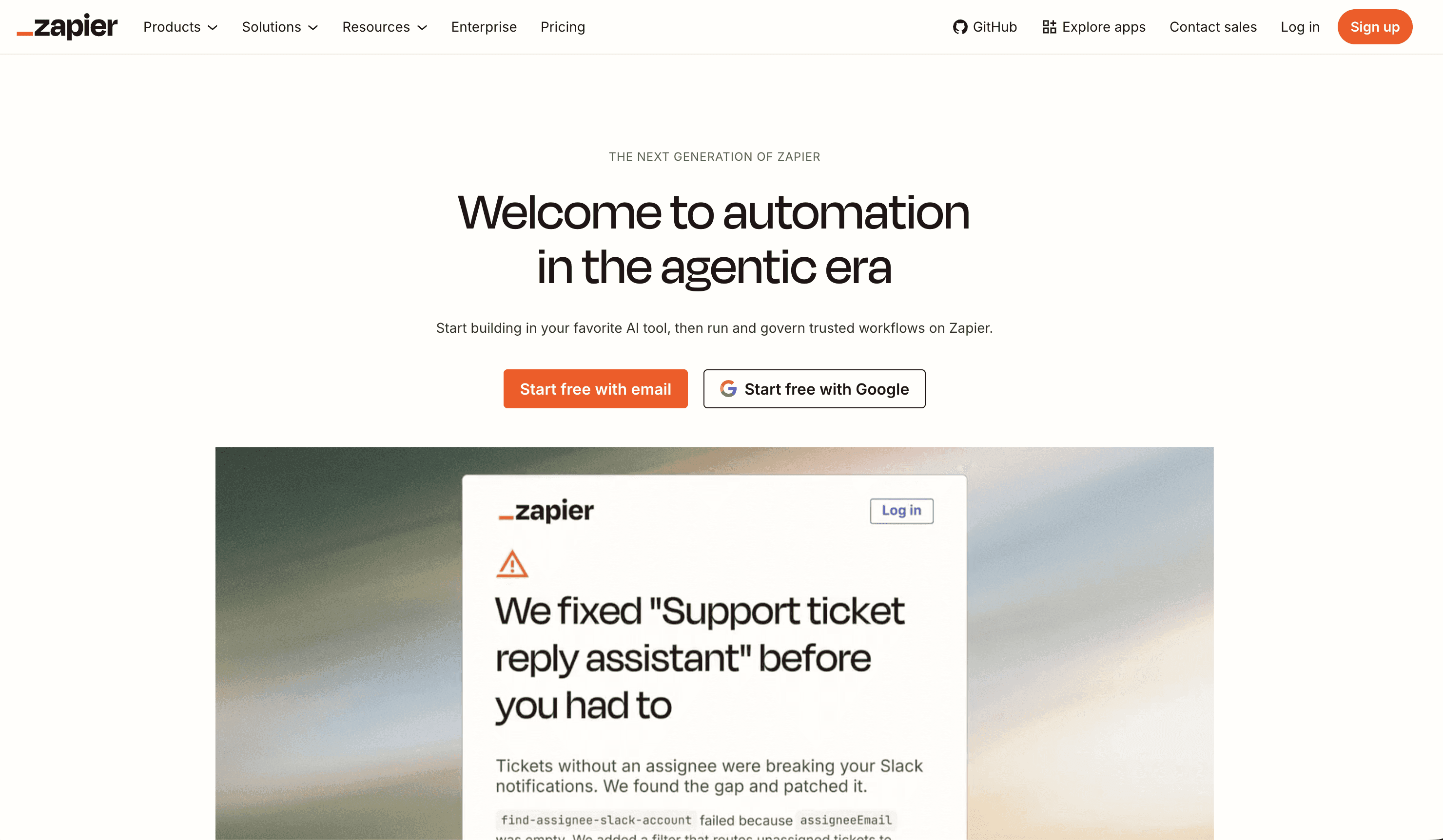
What it does well: Breadth. Zapier connects to more applications than anything else in this category, which matters more than people expect. Most automation projects die because one obscure tool in the chain has no connector. With Zapier that's rare. Its AI features now draft workflows from a plain description, which gets a non-technical person to a working first version quickly.
Price: Free plan available, then starts at $29.99 per month.
The honest drawback: Zapier struggles once a workflow stops being linear. Loops over a list of records, aggregating results back into one output, and layered conditional branching all feel harder than they should. The workarounds get ugly fast. Teams who outgrow simple triggers often rebuild the same workflow somewhere else within a year. If your process involves "for each of these forty rows, check something, then combine the answers," test that exact shape before you commit.
2. Make: visual branching at a low entry price
Who it suits: Small teams who need real conditional logic, multiple paths and data transformation without paying enterprise rates.
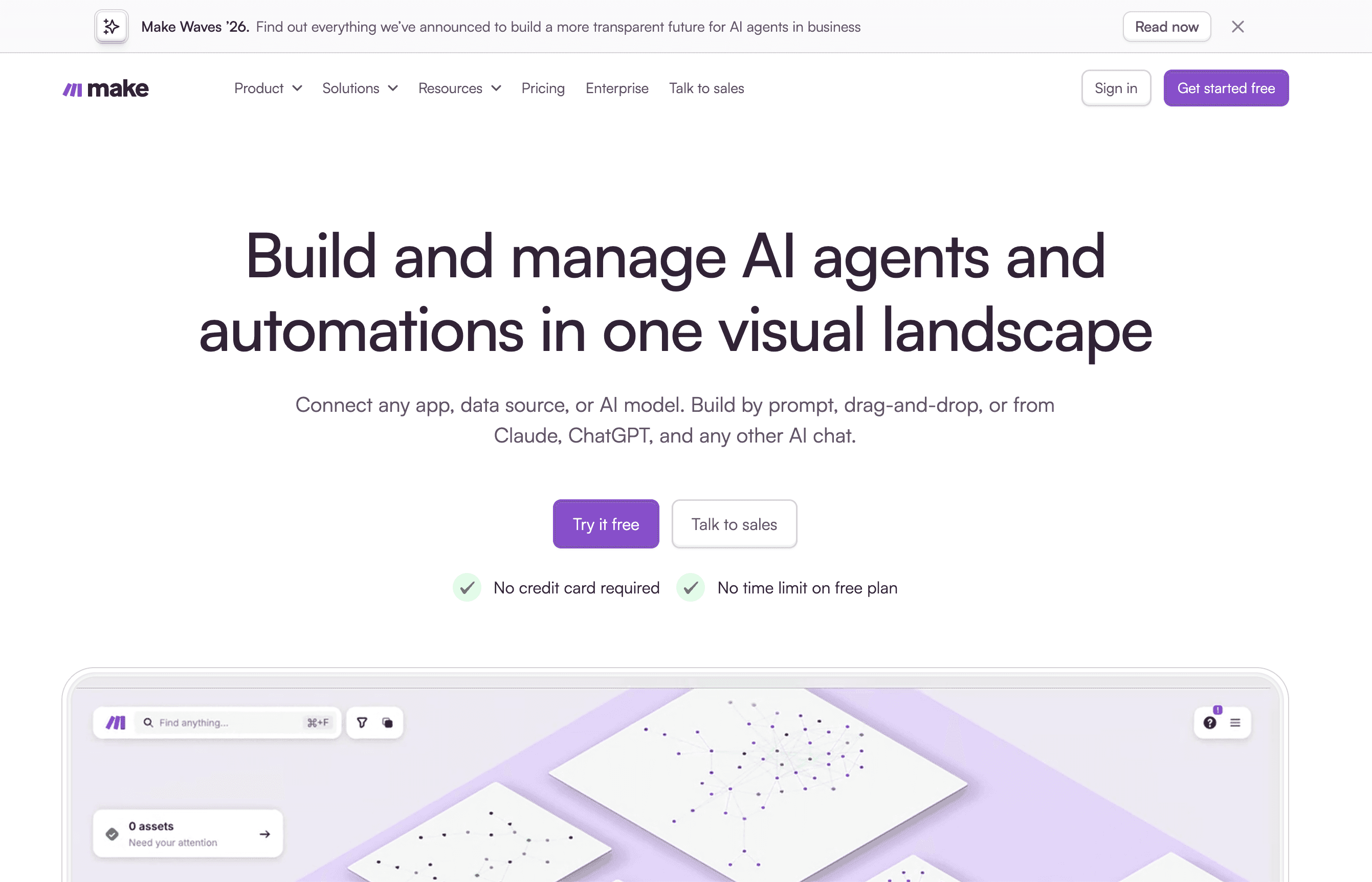
What it does well: The visual canvas shows the whole scenario at once, including every branch and router. Mapping one system's fields onto another's is more direct than in most competitors, and iterating over a collection of items is a first-class concept rather than a workaround. For the price, the logic you can express is the strongest in this group.
Price: Free plan available, then starts at $10.59 per month.
The honest drawback: That same canvas becomes hard to read as scenarios grow. A large build turns into a sprawl of connected bubbles that only its author understands, and operations errors mid-run can be fiddly to diagnose, too. If one person builds everything and then leaves, the handover is painful. Name your modules carefully and document the intent somewhere outside the tool.
3. n8n: self-hosted control for teams that want it
Who it suits: Technical teams, and anyone whose data policy makes a shared cloud runtime a hard conversation.
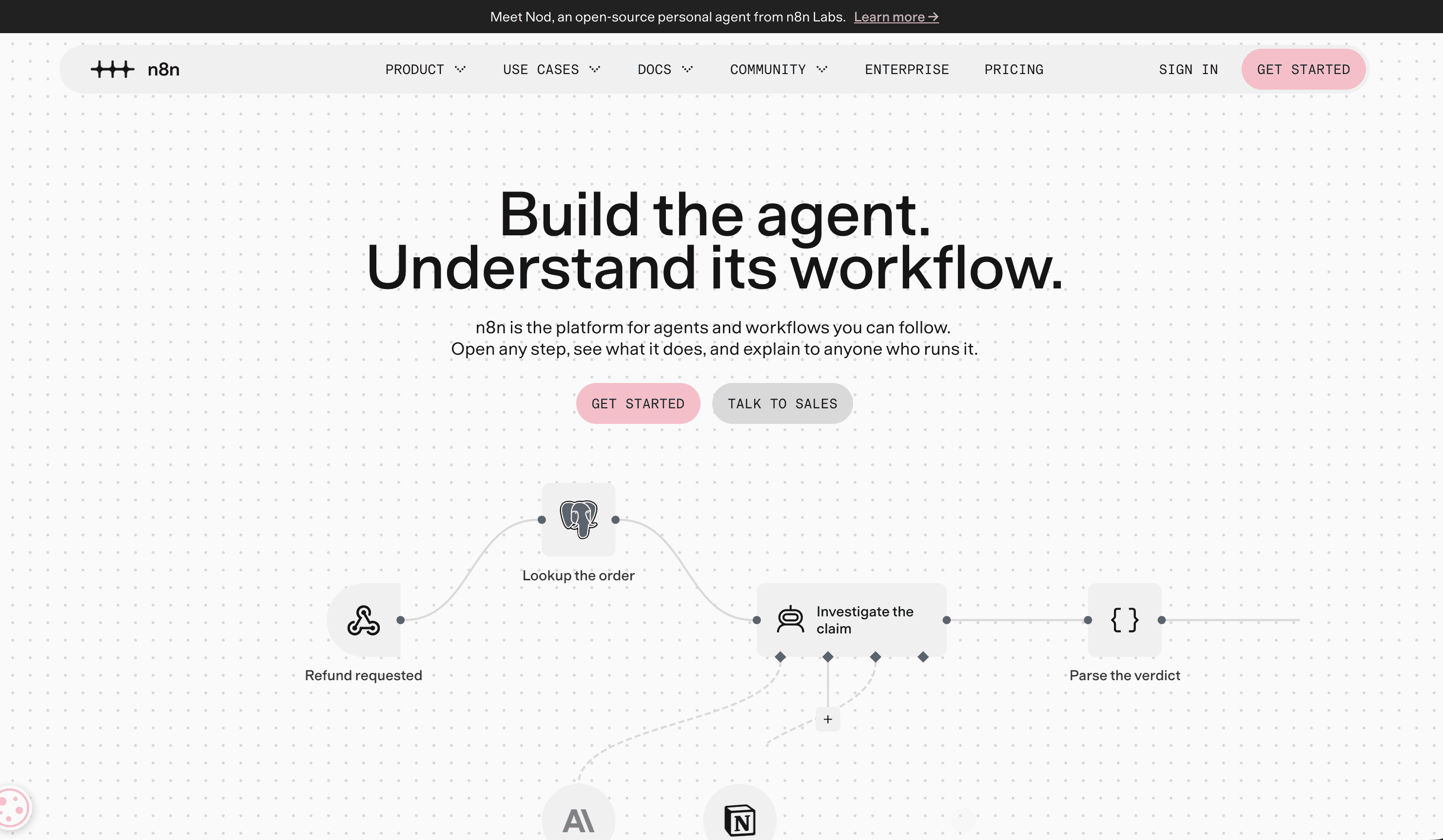
What it does well: Open-source platforms are changing how organizations think about this whole category, and n8n is the clearest example. You can run it on your own infrastructure, see exactly what executes, write JavaScript inside a node when a visual step won't do it, and avoid per-task pricing on high-volume jobs. Its agent nodes make it a reasonable starting point among the best workflow automation tools for creating AI agents, since you control the model keys and the data that reaches them.
Price: Free trial available, with paid plans required to run workflows on the hosted version. Self-hosting shifts the cost to your own servers and engineering time, so check the current plans on n8n's own page before budgeting.
The honest drawback: Someone has to own it. Self-hosting means upgrades, backups, queue mode when volume climbs, and a person who understands why a workflow stopped at 3am. Teams looking for AI workflow automation tools like n8n but without that operational load usually end up on a hosted platform instead. That's a fair trade.
4. Gumloop: AI-first workflows for content and research teams
Who it suits: Marketing, research and operations teams whose repetitive work is mostly reading, summarizing, classifying and writing.
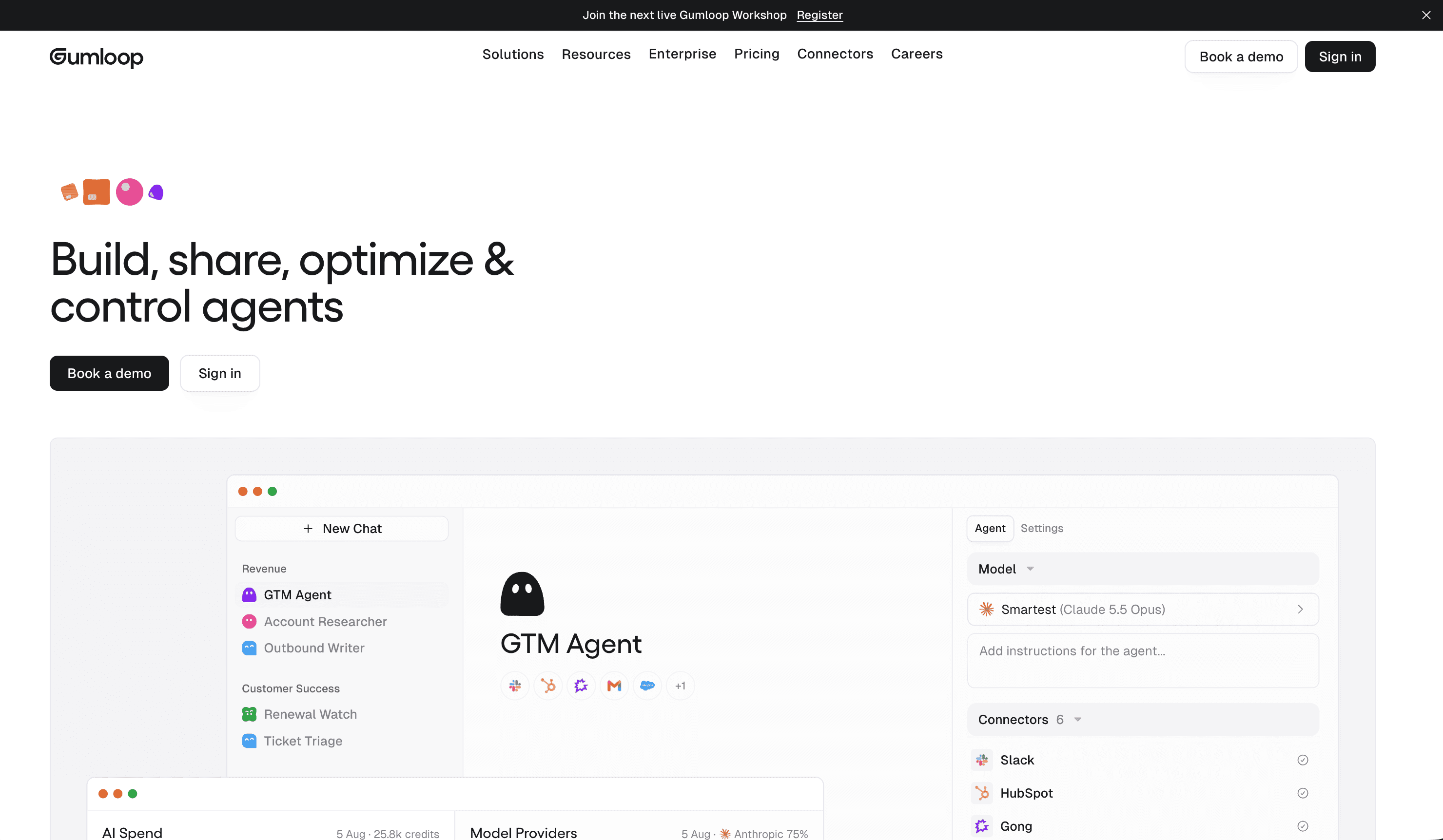
What it does well: Gumloop was built around language models rather than having them added later. Scraping a list of sites, running each result through a prompt, scoring the output and writing it into a sheet is a natural shape here, not a hack. Among examples of AI tools that non-technical staff can actually use unsupervised, it's one of the more approachable.
Price: 14-day free trial, then starts at $37 per month.
The honest drawback: The connector library is smaller than the generalist platforms, so deep integration with your ERP, ledger or ticketing system might not exist. It's strong at the AI-heavy middle of a process and weaker at the plumbing on either side. Teams often pair it with something else, which brings its own cost, discussed further down.
5. Pipedream: code steps for developer-led automation
Who it suits: Engineers and technical founders who would rather write twenty lines of Python than configure forty fields.
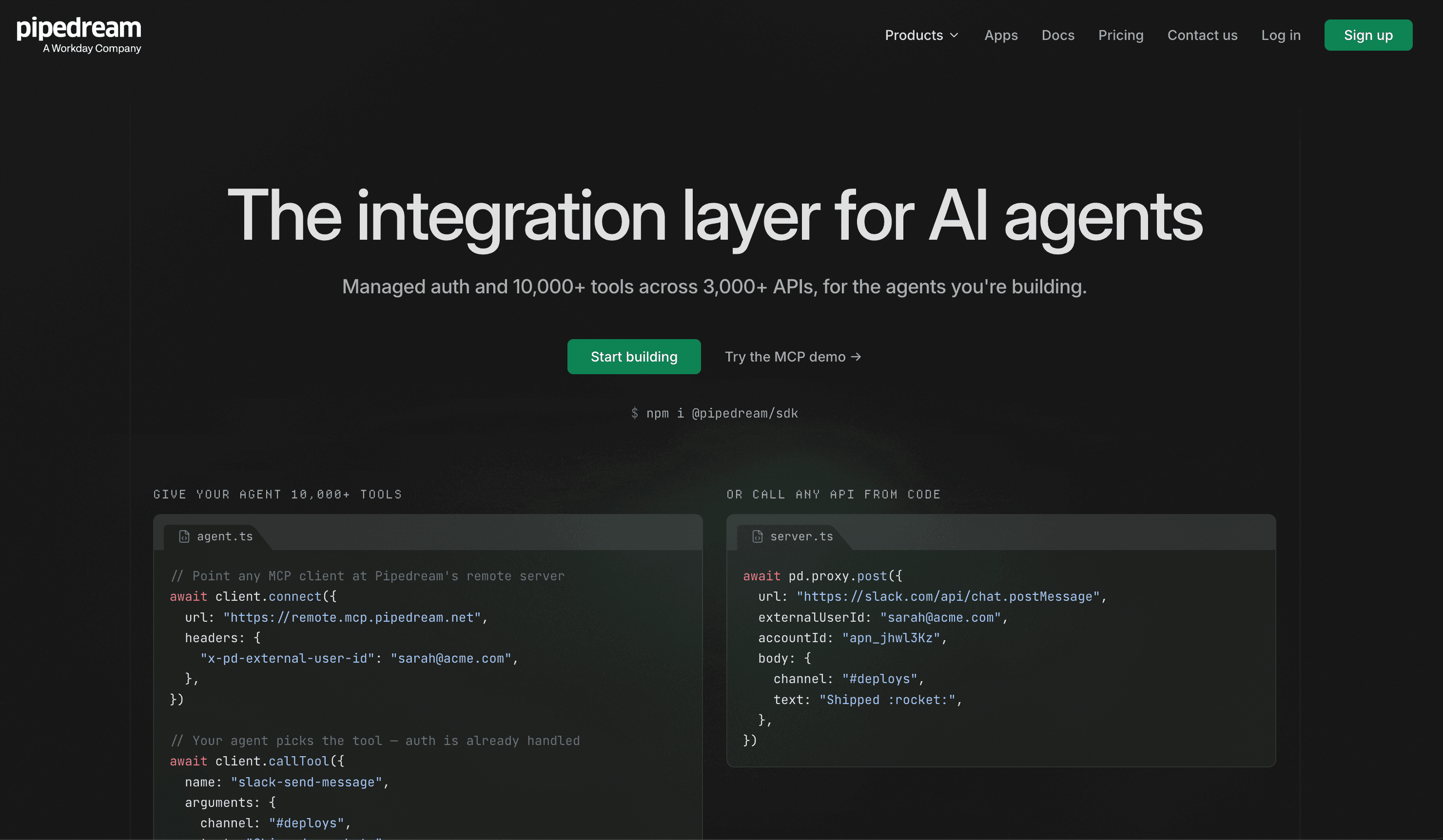
What it does well: Every step can be code, with package imports, versioned deploys and proper logging. Authentication to hundreds of APIs is handled for you, which removes the dull part of integration work without removing control. For a startup founder wiring an MVP's back office together, it's fast and it doesn't fight you.
Price: Free plan available, then starts at $45 per month.
The honest drawback: Non-technical colleagues can't maintain what you build. The moment your operations lead needs to change a condition, they're filing a ticket with you. That's acceptable in a six-person startup and a real problem at forty people. Think about who will own the workflow in a year, not who is building it this week.
6. Hitasoft: built automation for money, records and compliance work
Who it suits: Finance leads doing multi-entity reconciliation, support teams drowning in repeat questions, and product owners whose data cannot leave their own infrastructure. Also teams who have already tried a no-code platform and found the last twenty percent impossible.
What it does well: We build the automation into the systems you already run rather than asking you to move to ours, including custom AI workflows built around your existing systems. That covers invoice and ledger work, document extraction, and AI customer support automation using retrieval augmented generation so answers come from your own documentation instead of a model's guesswork. We've been building software for a long time, with a team that has worked across a large number of clients in dozens of countries, and our Appkodes product division carries a strong rating on Trustpilot from a meaningful base of reviews. A person approves anything that touches money or a customer, every time. You own the code, the accounts and the keys, so there's no platform to be locked into afterwards.
Price: Fixed price, named before work starts, after a free automation audit. No per-task metering, no seat count that climbs as you grow.
The honest drawback: A custom build is the wrong answer for a uncomplicated two-app trigger. If Zapier or Make covers what you need, use them and keep your money. We say so during the audit. That's one reason the audit is free.
7. Microsoft Power Automate: sensible if you already live in Microsoft 365
Who it suits: Companies standardized on Microsoft, especially those with SharePoint document flows, Teams approvals and Dataverse.
What it does well: Identity, permissions and licensing are already settled, which removes the procurement argument before it starts. Approval chains routed through Teams work well, and the desktop automation component handles legacy Windows applications that offer no other way in. As AI workflow management software goes, it's the lowest-friction choice for an IT department that already defends a Microsoft estate.
Price: Free trial, with paid plans from $15 per month.
The honest drawback: Outside the Microsoft perimeter it gets noticeably less pleasant. Connectors to non-Microsoft SaaS are often thinner than the alternatives, licensing tiers are hard to reason about before you commit, and premium connectors change the maths. Teams running a mixed stack frequently find they've bought the platform that's best at the half of their tools that was never the problem.
8. UiPath: for the systems that have no API
Who it suits: Larger organizations with legacy desktop software, terminal applications or vendor portals that can't be integrated any other way.
What it does well: Robotic process automation at the screen level, done properly. UiPath drives applications the way a person would, with document understanding on top for extracting fields from scanned forms. In insurance, healthcare administration and government-adjacent work, where a mainframe screen is still the system of record, it does things no API-based tool can.
Price: Enterprise pricing, with basic plans from $25 per month. Tiers and bundles change, so check UiPath's own pricing page before planning a budget.
The honest drawback: Screen-level automation is brittle by nature. A vendor updates their portal layout and your robot fails silently until someone notices the queue hasn't moved. Maintenance is a standing cost, not a one-off. The platform itself carries enough weight that small teams rarely get their money back.
9. Workato: enterprise integration with governance attached
Who it suits: Mid-market and enterprise IT teams who need automation across numerous business systems with audit trails, environments and role-based control.
What it does well: It treats integration as something to be governed, not improvised. Versioning, approval before deployment, logging and environment separation are built in. That matters when forty people are building recipes and someone has to answer for what runs in production. Connector depth into ERP, HR and CRM systems is strong.
Price: Enterprise pricing only. There's no public plan to compare, so you'll be in a sales conversation to find out what it costs for your volume.
The honest drawback: Cost and commitment. It's priced for organizations with a dedicated integration function, and the opaque pricing makes it hard to compare against the rest of this AI workflow automation tools list. If you can't name an internal owner who will run it full time, it's too much platform.
Integration and reliability: why demos pass and production fails
Choosing between these products is the easy part. The hard part, consistently, is connecting them to systems that already exist and keeping them reliable once real volume arrives. A demo runs once, on clean data, while the person who built it watches. Production runs at 2am on a malformed invoice from a supplier who changed their template.
What fails first is rarely the model. It's the edge case nobody mapped: a duplicate record, an API that rate-limits, a currency field that arrives as text, a webhook that fires twice. Automation that sticks has answers for those. Retries with backoff, a dead-letter queue a human checks, idempotency so a replay doesn't double-post a payment, and alerts that reach a person rather than a log file.
This is also where the agent question gets settled. Fully autonomous agents demo brilliantly and behave unpredictably in production, because an agent that decides its own steps can decide a wrong one. Command-driven orchestration is the sturdier pattern for most business processes. You define the steps, the model does the judgment-heavy part inside a step, and the system does the deciding. The best workflow automation tools for creating AI agents let you constrain them that tightly. If a platform only offers "give it a goal and let it run," keep it away from anything financial.
For work that touches money or a customer, we hold the same line in every build we do, and the system prepares while a person approves. No tool in this comparison can promise accurate output without that check, and anyone telling you otherwise is selling.
Cost and ROI: how to measure whether the best AI automation workflow tools pay for themselves
Subscription price is the smallest number in the calculation. Before you buy, write down the hours the target workflow consumes each month and what those hours cost you loaded. That's your ceiling. Then subtract the time the process will still take after automation, because almost none of these go to zero once exceptions and approvals are counted.
Three costs people forget. Build time, which for a genuinely complex workflow on a no-code platform is usually weeks of someone's attention rather than the afternoon the marketing suggests. Maintenance, because connected systems change and a workflow is never finished. And model spend, which is the one that worries founders most.
On model spend, the pattern is predictable rather than alarming. Costs rise with usage, but they rise with volume you can forecast, and most of the growth comes from sending more context than a task needs. Caching repeated prompts and routing simple classification to smaller models pull the number back. Keeping retrieval tight, so you aren't pasting whole documents into every call, helps too. Setting a hard ceiling per workflow and alerting when it's approached takes an hour and prevents the surprise invoice.
Measure after, not just before. Pick one number the workflow should move, such as days to close the month or tickets handled without a human. If it hasn't moved in a quarter, the automation isn't working, whatever the dashboard says.
Tool sprawl, switching costs, and when to consolidate
Sprawl happens quietly. Marketing buys one platform, finance buys another, an engineer self-hosts a third for a single job, and nobody can say what runs where. The symptom is a workflow that breaks and three teams who each think it belongs to someone else.
The fix isn't automatically consolidating onto one platform, since different departments have genuinely different needs, and forcing everyone onto a single tool usually means someone is doing their work badly. The practical standard is lower, one register, owned by one person, listing every automation, what it touches, who maintains it, and what it costs. Review it quarterly and kill anything nobody can justify. That alone removes most of the damage sprawl causes.
Switching costs are the other side of this, and they're higher than the trial period suggests. Workflows don't port between platforms. The logic has to be rebuilt by hand, credentials reissued, and the team retrained, which for a non-technical team is a slow climb even on friendly software. Before you move a working automation, be sure the new platform solves something the old one genuinely can't.
Support work is where consolidation usually pays off fastest. When AI tools for customer service handle the repeat questions properly, a large share of tickets stop reaching a human at all. That effect doesn't come from buying more tools. It comes from one well-grounded system with access to your actual documentation. Our retrieval-based support agents built on your own help content are built on exactly that principle, and so are the stronger AI tools for customer service inside the platforms above.
Sensitive data: AI workflow automation tools for medical office and finance work
The first question finance and healthcare teams ask is whether a vendor will train on their data. On enterprise endpoints with retention disabled, the answer is no, and the contract says so. That's worth verifying in writing rather than assuming, because the default consumer tier of the same model often behaves differently.
The second question is harder: where does the data physically go? Every hosted platform in this comparison moves your records through infrastructure you don't control. For most businesses that's fine. For a practice handling patient records, or a firm whose clients' files can't leave the building, it isn't. Choosing AI workflow automation tools for a medical office means weighing data residency, access logs and the ability to run inside your own boundary, well before anyone looks at the feature list. Self-hosting n8n is one route. Private model deployment inside your own infrastructure is another, and it's the route we take when records genuinely cannot leave a client's control.
We've built in these conditions. One of our health platform projects integrates with India's national ABDM system, which fixes what you can and cannot do with the data from the outset. That work is also a reminder of the limit. AI drafts, a clinician checks every word, and nothing clinical goes out unreviewed. No platform here can guarantee a regulatory or app store approval either. The submission and the decision stay with you, and any vendor promising otherwise is overselling.
How to choose the best AI workflow automation software for your team
Work in this order. Name the single workflow that costs you most, then write down what the finished version looks like, including who approves what. Pick the simplest thing on this list that can do it, build only that, and run it for a month before building anything else.
If you're connecting mainstream apps with straightforward logic, start with Zapier or Make and don't overthink it. If you have engineers and strong data requirements, look at n8n or Pipedream. If your estate is Microsoft, Power Automate removes an argument you'd otherwise have with IT. If the system has no API, UiPath exists for exactly that. If you need governance across many business systems, Workato fits. A custom build is usually cheaper over three years than bending a platform that nearly works, when the workflow touches money or regulated records. These examples of AI tools all solve real problems. None of them solves all of yours.
The best AI workflow automation tools are the ones your team still uses in six months, not the ones that demo well in week one. That usually means fewer tools, finished properly, with one person accountable for each.
If you want a second opinion before you commit, book a free automation audit and we'll map your process and tell you plainly which option fits, including when the answer is a product you can buy off the shelf rather than anything we'd build. You can also read how we run projects from first call to handover before you talk to anyone.
Frequently Asked Questions
What is the best AI workflow automation tool for small teams?
Zapier is the best overall for most small and mid-sized teams because its connector coverage means you rarely hit a dead end. However, if you need complex conditional logic on a tight budget, Make handles branching more comfortably at a lower entry price.
Which workflow automation tool can I self-host on my own servers?
n8n is the best option for self-hosted control, allowing you to run it on your own infrastructure, see exactly what executes, and write JavaScript inside nodes. The tradeoff is that someone on your team needs to own the operational responsibility for upgrades, backups, and maintenance.
What workflow automation tool should I use if I work with invoices and financial records?
For work that touches money or regulated data like patient records, the article recommends a custom build where a person approves anything that affects those systems every time. If your needs are simpler, Zapier or Make may cover what you need at lower cost.
Which workflow automation tool works best inside Microsoft 365?
Microsoft Power Automate is the sensible choice if you already live in Microsoft 365, as identity, permissions and licensing are already settled. It works particularly well with SharePoint document flows, Teams approvals, and Dataverse.
How should I choose which workflow to automate first?
Start by writing down the tasks your team repeats and mark each one on two axes: how often it happens and what goes wrong when it's late or wrong. Automate the task that scores high on both axes, and automate it end to end rather than leaving a human to stitch parts together.
Wondering what this would take against your own systems?
The audit costs nothing, and you keep the costed plan and the risks whether you go ahead or not.
Book a free automation auditHitasoft
LinkedInHitasoft has built software since 2008, for companies that mostly do not have an IT department. These pieces are written by the people who do the integrations rather than by anybody in marketing.