A founder came to us in September with a pitch deck, a waiting list of 40 clinics, and a six-figure quote from another firm for a twelve-week build. What she didn't have was any evidence that clinics would upload the documents her product depended on, since the whole business rested on that one behavior. Nobody had tested it.
We built the upload flow, the extraction step, and the review screen. Nothing else. No billing, no admin panel, no account settings. Eleven days later she put it in front of seven clinics. Four uploaded within the hour. Two asked whether it could read handwritten notes, which it couldn't, and that question reshaped the roadmap more than any of the forty features in the deck.
That is what ai rapid prototyping services should buy you: a sharp answer to the one question your business rests on, before you spend the money to build everything around it. The sections below walk through what the work involves, where AI genuinely speeds things up, where it quietly costs you time, and how to stop a prototype from being mistaken for a finished product by people who weren't in the room when it was built.
What AI Rapid Prototyping Services Actually Deliver
A prototype is not a smaller version of your product. It's an instrument for answering a question, and the question has to be chosen before any code gets written.
Most of what passes for prototyping in practice is just an early build with a different name. A team writes down a full feature set, trims it, and starts at the login screen. Six weeks later there's a working app that nobody has learned anything from, because the risky assumption was never isolated.
Proper ai prototyping services do the opposite: you name the thing that could kill the product, then build only what tests it. For a fintech founder, that's usually whether the model can read real statements from real banks without a human fixing every third line. For a support lead, it's whether retrieval augmented generation over the actual help center answers the top twenty questions at a standard the team would sign off on. For an operations manager, it's whether staff will trust a machine-populated field enough to stop retyping it.
Sometimes the answer is that you don't need a build at all, and that conversation is cheaper in week two than in month five.
Where AI Speeds Up Prototyping, and Where It Doesn't
The claim that AI collapses concept-to-market timelines is broadly true. But it's true in specific places, not everywhere.
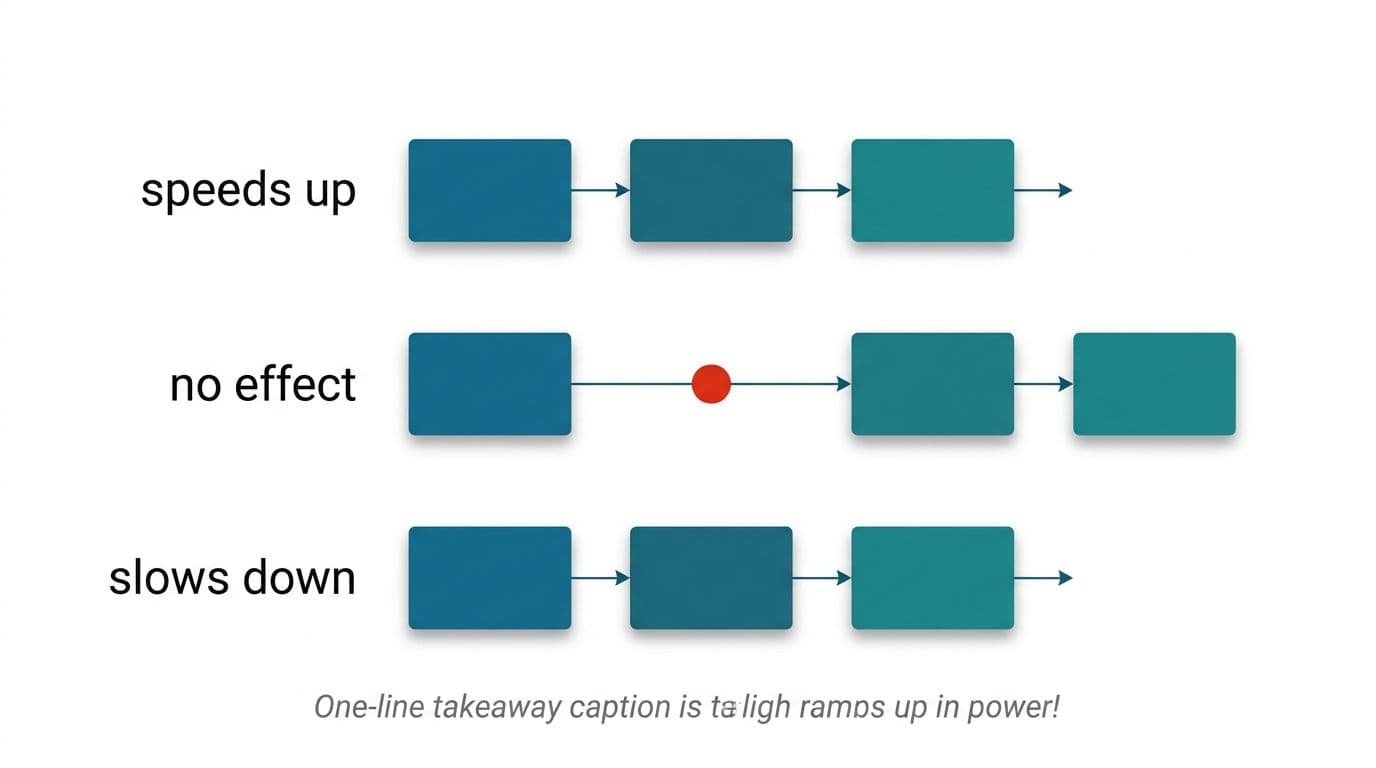
It genuinely helps with design iteration and with the parts of validation that used to require building something physical or near-physical. If you need six variations of a screen to put in front of users, generating them is fast. If you need to test whether a document pipeline can handle fourteen different invoice layouts, you can stand that up in days rather than weeks.
Where it disappoints is the middle ground. A real interface, with your design system attached, has to look right on every screen. The tooling produces something that's eighty percent there instantly and then demands a long tail of small corrections. Death by a thousand prompts is a fair description. The net time saved against a designer who knows the system well is often close to zero, and sometimes negative.
So the honest split looks like this. AI is strong at generating options, at scaffolding backend logic, and at producing a first pass on data processing. It's weak at pixel-level consistency across a set of screens, at understanding why a particular control exists, and at anything requiring taste.
We build around that split rather than pretending it isn't there. Our rapid prototype AI development work uses generation heavily where it pays and uses people where it doesn't. A prototype that looks slightly rough but behaves correctly teaches you more than a polished mockup that behaves like a slideshow.
Prompting Problems Nobody Warns You About
Teams starting out with AI prototyping tools hit the same handful of walls. Knowing them in advance saves a week.
The first is specificity collapse. You describe a screen, get something reasonable, then ask for a change and receive a screen that's different in four ways you didn't request. The fix is boring. Change one thing per request, and state what must stay fixed as well as what must move.
The second is context drift over a long session, and that deserves its own treatment below.
The third is that the model has no idea what your product is for. It knows what dashboards usually look like, which means it will give you the average dashboard. If your product's whole point is that it isn't average, generic output will sand that down unless you push against it every time.
The fourth is that correction cost rises with screen count. One screen is quick. Twelve screens, each needing small adjustments, add up to a long afternoon that feels like it should have taken ten minutes. People ask what to expect from prototype generation, and this is the honest answer: fast to first draft, slow to acceptable.
Write prompts that describe behavior and constraints, not appearance, since appearance is where drift happens.
How to Keep a Design System Consistent When AI Is Generating Screens
Consistency is the single biggest governance problem in AI-assisted prototyping. It has a practical answer that works better than any prompt.
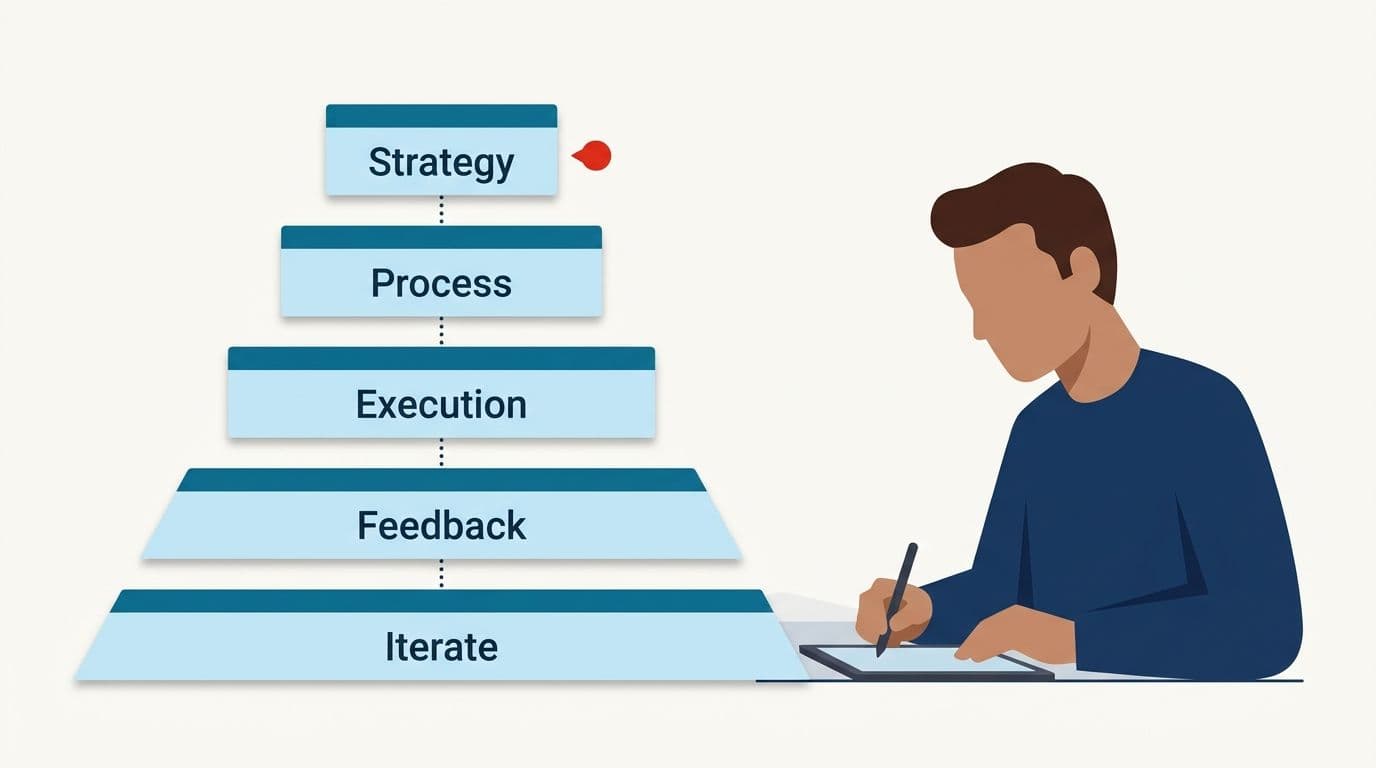
Build one screen properly first. Lock the spacing scale, the color tokens, the type styles, and the component behavior into that single screen. Then use it as the template for everything that follows.
Every subsequent prototype starts from that base instead of initial from the model's default sense of what a screen looks like. The difference is substantial. You spend your corrections on logic rather than on moving a button four pixels and fixing a heading weight for the ninth time. This also solves a governance question that comes up once more than one person is prototyping.
One caution: a locked design system makes everything look finished, which is useful for user testing and dangerous for stakeholder reviews. A prototype that looks production-ready invites people to assume it is. We deal with that by labeling prototype builds visibly and by being specific in writing about what hasn't been built.
Managing Context Windows in Long Prototyping Sessions
Every AI tool has a limit on how much it can hold in mind at once. In prototyping you hit that limit faster than you expect.
The symptom is recognizable. Early in a session, output is sharp and follows your conventions. Two hours in, it starts reintroducing patterns you removed, forgetting naming rules, and producing screens that contradict decisions made an hour earlier. Nothing has broken. The earliest part of the conversation has simply fallen out of the window.
What works is treating sessions as deliberately short and opening each one from a written artifact rather than from conversational memory. Keep a file with your conventions, component list, naming rules, and current decisions. Begin each session by supplying that file. When the session gets long, close it, update the file with anything decided, and start fresh.
This feels like overhead and isn't. The alternative is discovering at review time that four screens follow one convention and three follow another, then spending a day working out which is correct.
A related discipline helps on the engineering side. When you ask for backend logic in a long session, the model will sometimes rebuild something it already wrote, slightly differently. Commit working code as soon as it works, and reference the committed version by name rather than asking the session to recall it. In any rapid ai prototyping service worth paying for, this discipline is already in place before your project starts, not improvised halfway through.
HTML and CSS Prototypes Versus Figma Mockups for Real Validation
Choosing between a clickable mockup and a functional prototype determines what you can actually learn. The two are not interchangeable.
A design tool mockup is fast and excellent for one thing: testing whether people understand a layout. For these questions a mockup is sufficient and cheaper, and it tells you whether the hierarchy reads correctly and whether the copy is clear.
What a mockup cannot test is anything involving real data, timing, or failure. It can't show a user what happens when the model returns something odd.
A functional prototype in HTML and CSS, wired to a real model endpoint and real sample data, tests all of it. It's slower to produce, though less slow than people assume, especially when generation handles the scaffolding. It also makes user sessions honest, because participants interact with actual behavior rather than imagining it.
Our rule is straightforward. If the risk is comprehension, use a mockup. If the risk is behavior, data quality, or trust in the output, build something functional. Most AI products fail on the second category, which is why most of our ai rapid prototyping services engagements produce running software rather than screens.
There's a middle option worth knowing. Build one functional path end to end and leave everything around it as static screens. Users follow the real path, see real results, and the rest is scenery. You get genuine behavioral evidence without building a product.
Writing Hypotheses and Success Metrics Before You Start
A prototype without a stated hypothesis produces opinions. A prototype with one produces a decision.
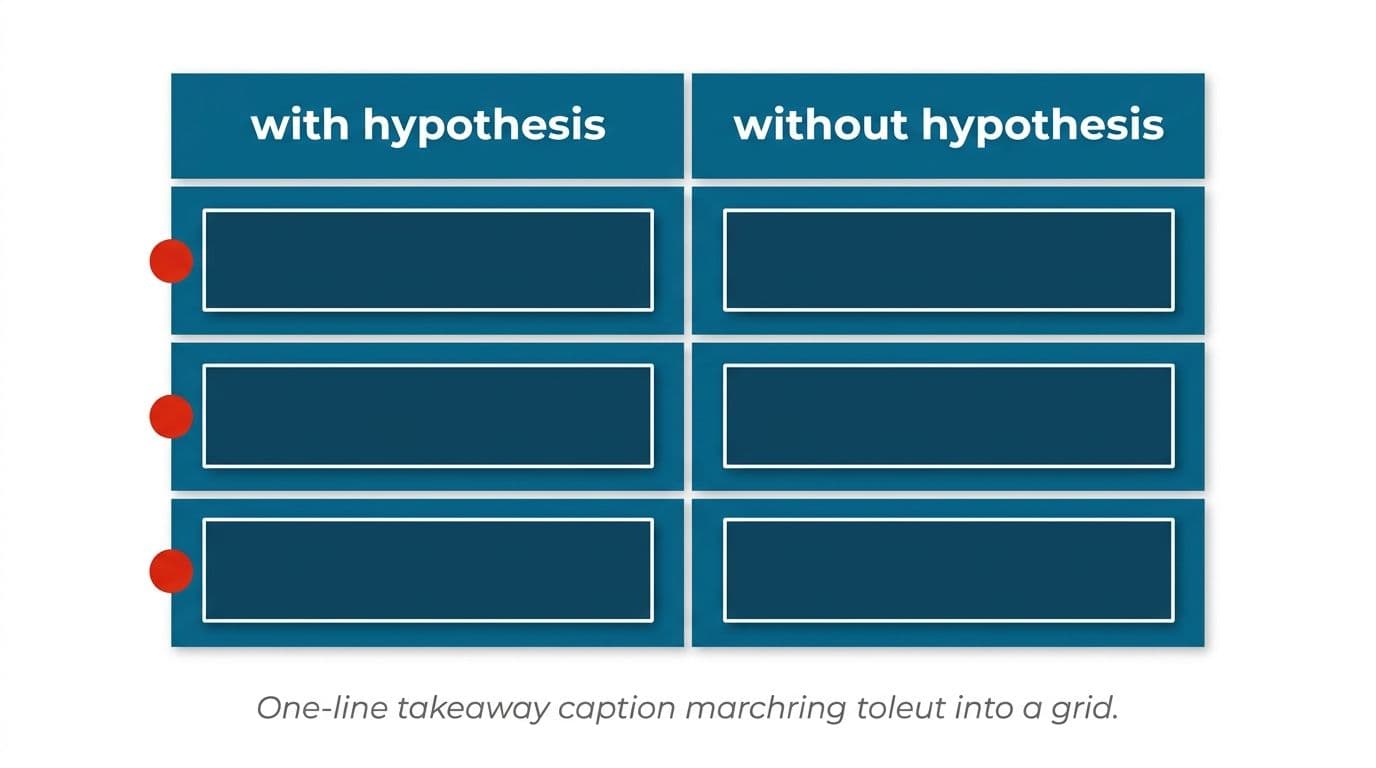
The format we use fits on half a page. Write the assumption as a sentence that could be false. Write what you'd observe if it held. Write what you'd observe if it didn't. Write what you'll do in each case. If the last line is the same either way, you don't have a hypothesis, you have a plan you've already devoted to.
For an AI product, the valuable metrics are rarely the ones in the pitch deck. Accuracy on its own means little without knowing what a mistake costs and who catches it.
Agree thresholds before testing, not after. Teams that set them afterward talk themselves into whatever happened. If you decide in advance that fewer than half of invited users completing the core flow means rethinking the concept, you'll honor it. Decide afterward and three of seven becomes encouraging early traction.
For a compliance-bound product owner, add a line on where data went during the test. If the prototype touched records that can't leave your infrastructure, that constraint belongs in the hypothesis, not as a surprise during review.
Stopping Leadership From Treating a Prototype as a Validated Product
This is the most expensive failure in prototyping, and it happens quietly.
A prototype gets demoed. It works. It looks finished because the design system was locked in and everything rendered cleanly. Someone senior sees it and the question changes from whether this works to when it ships. Nobody decides to skip validation. Validation just stops being discussed. The cost shows up later.
Three habits prevent it. First, demo with the hypothesis on screen before the software. Say what you were testing, then show the test. The framing lands differently when it comes first. Second, state what isn't built, by name, in every session. No error handling. No authentication. One input format out of nine. People assume completeness unless you remove the assumption explicitly. Third, show the prototype failing. Feed it an input it can't handle in front of the room. One visible failure resets expectations more effectively than any number of caveats.
We also keep demo environments visually distinct from anything production-bound. It's a small thing that keeps screenshots from circulating as evidence that something is ready.
The underlying point is that a prototype's purpose is to generate evidence, and evidence can be negative. Teams that treat a negative result as a successful prototype make better decisions than teams that treat every demo as progress.
What AI-Built Prototypes Usually Get Wrong
Projects built quickly with AI assistance share a recognizable set of gaps. They're worth naming because they're predictable.
Security basics get skipped. Credentials end up in places they shouldn't be. Endpoints go up without authentication because authentication wasn't part of what was being tested. For a prototype on synthetic data this is tolerable. The moment real customer records touch it, it isn't, and the transition often happens without anyone announcing it.
Accessibility arrives late or never. Contrast, keyboard navigation, and screen reader behavior get treated as polish for later. Retrofitting them into a structure that ignored them is more work than building them in, mainly where the markup was generated rather than written.
Our approach is to decide explicitly which of these a given prototype will ignore, and to write that down. Ignoring accessibility for a two-week internal test is a reasonable trade. Ignoring it without noticing is how it ends up in production.
For anything that touches money or a customer, we keep a person in the approval path from the prototype stage onward. Not as a policy to adopt later, but as part of how the thing is built, so the shape of the full product already includes it.
Handoff: What Makes a Prototype Buildable
The gap between a prototype that works and a prototype a team can build from is wider than most people expect, and AI-generated artifacts widen it further.
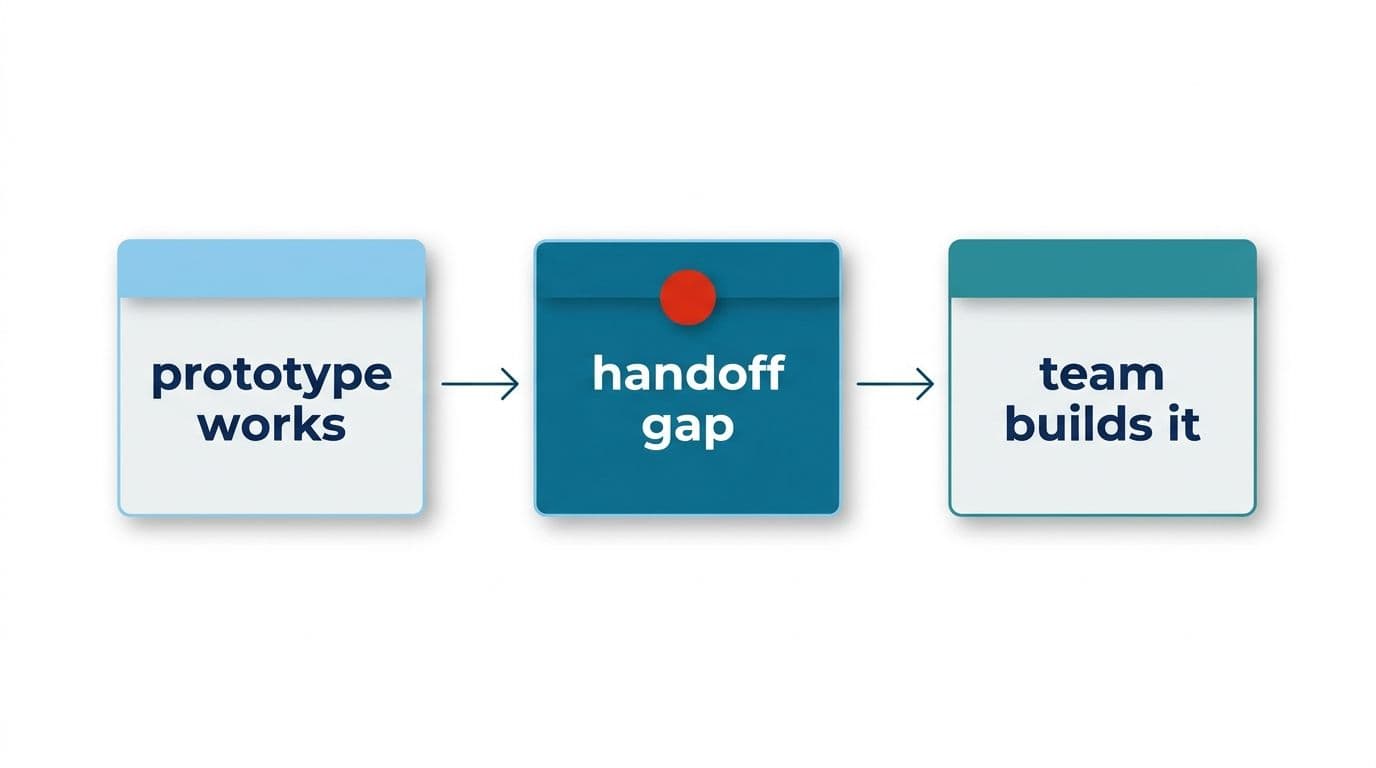
Generated code is often correct and simultaneously unreadable. It solves the problem without explaining the approach. An engineer picking it up can see what happens but not why, which means they either rewrite it or inherit decisions nobody can defend, and either outcome costs time.
What we hand over covers four things. The prompts and model configuration that produced the behavior, because those are the actual product logic and they're easy to lose. The test inputs, including the ones that failed, since knowing what broke it defines the real scope. A short note on each significant decision, written as reasoning rather than description. And a plain statement of what was deliberately left out.
That last item matters more than it sounds. A build team reading a prototype will treat everything present as intentional and everything absent as an oversight. A written list of deliberate omissions prevents a month of rebuilding things that were left out on purpose.
A good rapid prototype ai development engagement ends with artifacts a different team could act on, not just with software that runs. You own the code, the accounts, and the keys from the start, so handoff is a transfer of understanding rather than a negotiation over access. If you decide to take it to another firm or an in-house team, nothing is locked up.
How a Prototype Engagement Runs
What follows is the actual shape of the work, so you can judge whether a proposal you're reading resembles it.
Week zero, scoping. We work out what question the prototype answers and what the full build would look like if the answer is yes. This is also where we say if we think you don't need to build anything. Price is fixed and named before work starts.
Days one to three, setup. Base screen with the design system locked. Convention file written. Sample data assembled, including the awkward cases. Model endpoints configured with retention off so your inputs aren't retained or used for training.
Days four to ten, build. One path end to end, built functionally. Generation handles scaffolding, people handle logic and the parts where taste matters. You see working software during this window, not at the end.
Days eleven to fourteen, testing and handoff. Real users where possible, real data where permitted. Results written against the hypothesis stated at the start. Handoff pack delivered.
Timelines shift with scope, and anything involving private deployment or compliance review takes longer because it should. What doesn't shift is working software inside the first month. If a proposal has you waiting until month three to see something running, you're buying a build with prototyping in the title.
Build, Buy, or Do Nothing
Not every problem needs custom software, and a prototype is a reasonable way to find that out cheaply.
Buy when your process resembles everyone else's and the tooling is mature. Standard invoice capture, standard CRM, standard helpdesk. Paying for something that exists beats building it. The cost of buying is fit: software that nearly works, with a workaround that becomes permanent.
A prototype resolves this cleanly. Two weeks of evidence against a quarter of commitment. For teams weighing a custom AI MVP against an off-the-shelf purchase, the prototype is usually where the answer stops being a matter of opinion.
Worth knowing: model spend during prototyping is small, and it doesn't stay small automatically. Per-call costs rise with usage, and the architecture decisions made during prototyping largely determine whether that curve is manageable. Caching, routing simple requests to cheaper models, and knowing which calls need the expensive one are prototype-stage decisions, not optimizations for later.
Where AI Prototyping Fits Across Different Products
The question a prototype answers depends on what you're building, and the pattern repeats across the sectors we work in.
Fintech. The risk is almost always data quality. Can the system read what banks and vendors actually send, including the badly formatted ones? Prototype the extraction and reconciliation path on real documents, with a person approving anything that moves money. We don't promise error-free ledgers, and you should be wary of anyone who does. What a prototype gives you is a measured sense of how often correction is needed and what it costs.
Healthcare. The risk is whether clinical staff will trust and check the output. AI drafts, a clinician reviews every word. Prototype the review step, not just the generation, because the review step is where adoption lives or dies. We've integrated a health platform with India's national ABDM system, and the workflow questions were harder than the model questions.
Support. The risk is whether retrieval over your actual documentation answers real questions well enough. Prototype AI customer support automation against the twenty questions your team genuinely repeats, using your real help content, not a cleaned-up version.
Operations and back office. The risk is trust. Will people stop retyping? Prototype one workflow with the real data and watch whether the manual step disappears or quietly continues alongside.
Regulated and private deployment. Where records can't leave your infrastructure, the prototype has to run in that environment from day one. Private LLM fine-tuning and self-hosted deployment change what's possible, and finding that out during a prototype is far better than during a build. We won't guarantee any regulatory or app store approval, since that decision isn't ours, but a prototype shows whether the architecture can plausibly survive review.
Picking Someone to Prototype With
A few questions separate firms that prototype from firms that sell builds with a shorter name.
Ask what question the prototype will answer and what evidence would count as a no. A vendor who can't answer, or who treats a negative result as failure, will deliver a demo rather than a test.
Ask who owns the code, the accounts, and the API keys. The answer should be you, immediately, without a conversation about contract terms.
Ask whether the price is fixed before work starts. Open-ended prototyping defeats the point, since the budget cap is part of what makes it low risk.
Ask what happens to your data. On enterprise endpoints with retention switched off, vendor models don't train on your inputs. That's a configuration choice, and you're entitled to see it rather than be reassured about it. For some teams only private deployment is acceptable, and that should be priced and strategic rather than discussed vaguely.
Ask what they'll tell you if you don't need to build. The willingness to say so is a reasonable proxy for how honest the rest of the engagement will be.
On the question of working with a team overseas, the practical answer is evidence. Our product division, Appkodes, carries a strong, publicly visible Trustpilot rating built from a growing base of reviews. Those numbers are published rather than reserved for a sales call. Ask for the same from anyone you're considering, and ask to speak to the people who'll do the work rather than the people selling it.
Start With the Question, Not the Feature List
Write down the one assumption that would sink your product if it turned out to be false. Write what you'd need to see to believe it, and what would make you stop. That page is the real input to any beneficial prototyping engagement, and it takes an afternoon.
Then build only what tests it. Two weeks of evidence beats a quarter of confident construction, and ai rapid prototyping services are worth paying for precisely when they shorten the distance between a guess and a fact.
Wondering what this would take against your own systems?
The audit costs nothing, and you keep the costed plan and the risks whether you go ahead or not.
Book a free automation auditHitasoft
LinkedInHitasoft has built software since 2008, for companies that mostly do not have an IT department. These pieces are written by the people who do the integrations rather than by anybody in marketing.