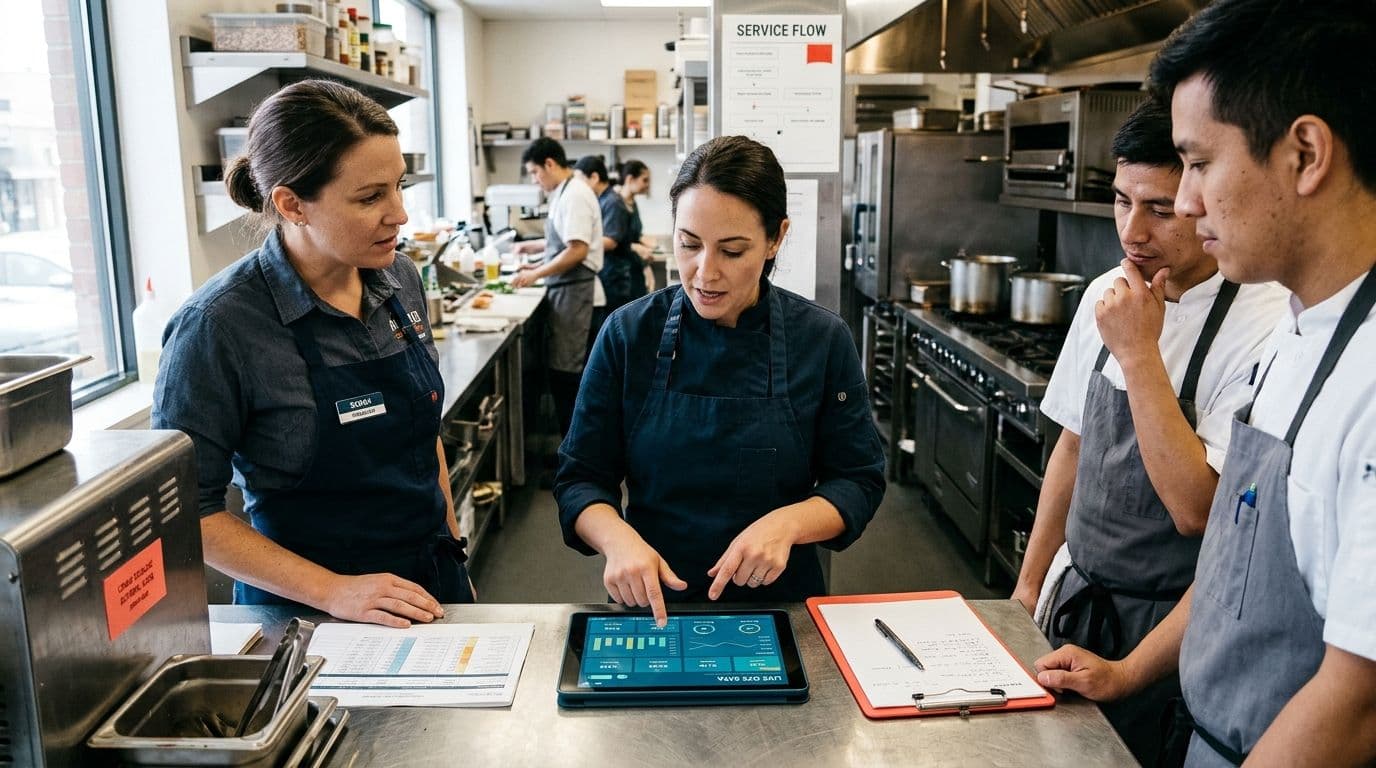
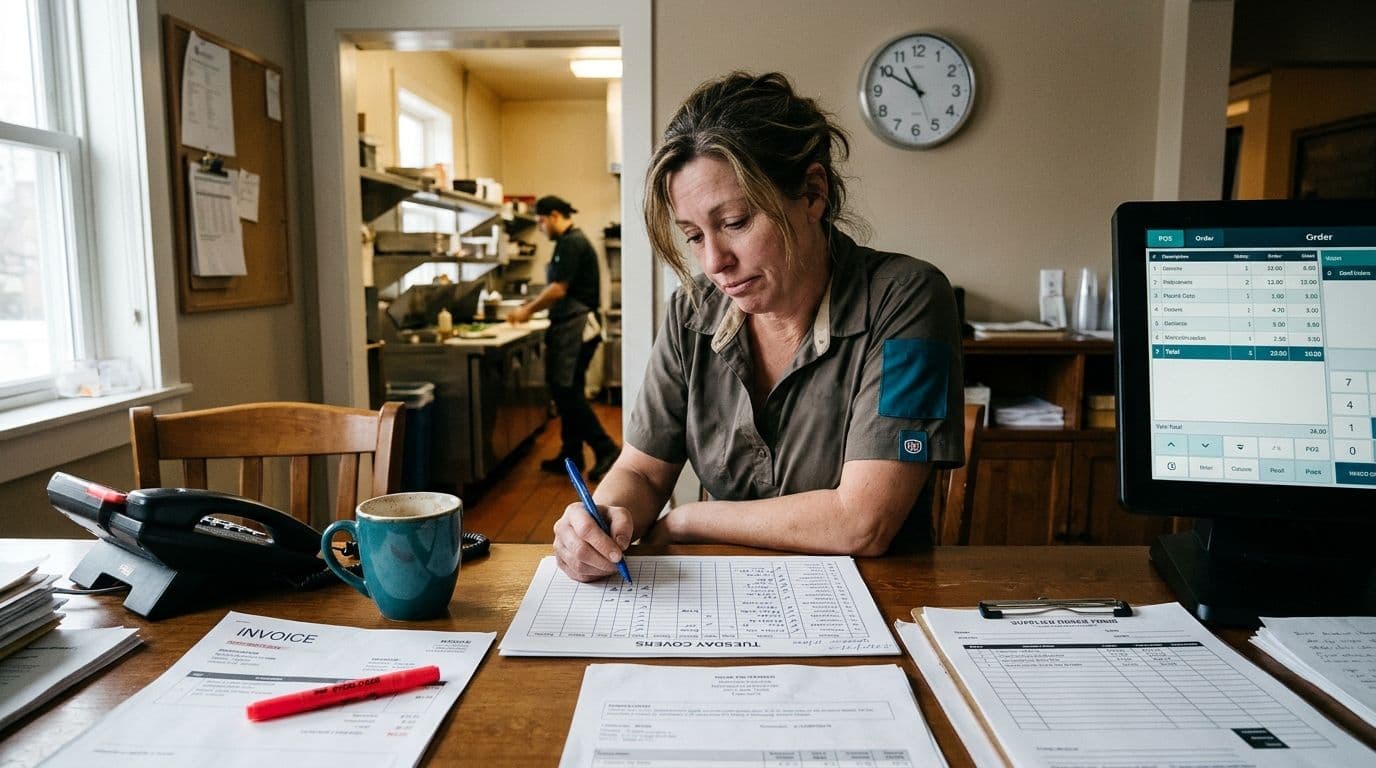
It's 10am on a Tuesday. Your manager is copying last night's covers from the POS into a spreadsheet so the supplier order can go out by noon. The phone has rung four times already, twice to ask whether you take walk-ins and once to ask if the mushroom pasta has cream in it. Somebody has to count the walk-in cooler again, because the stock numbers in the system stopped matching reality about three weeks ago.
That is the pile most owners are looking at when they start asking about AI agents. The good news is that this pile is exactly the kind of work software handles well. The catch is that AI agent implementation in a restaurant succeeds or fails on preparation, not on which model you pick. Most of the work happens before anything intelligent gets switched on. You need to know which tasks are worth automating, get your data into a shape an agent can read, and decide in advance what the agent is allowed to do on its own.
What an AI Agent Actually Does on a Restaurant Floor
Owners usually ask for one thing described three ways: help with daily operations, help with customer questions, and help knowing what's selling. What they rarely want is a chat box stuck on the website that repeats the opening hours.
The distinction that shapes your whole build is between an agent that answers and an agent that acts. An answering agent reads your menu, policies, and booking rules, then responds. An acting agent changes something instead. It updates an order, drops a line item when stock runs out, flags that two large parties are booked into the same four tables at 8pm. The second kind needs tested write access to live systems, an audit trail, and a rule about what it can never do alone.
Set that rule at the start, before anything else gets built. Nothing that touches a payment, a refund, or a promise made to a customer should go out without a person able to see it and stop it. We build autonomous AI agents that still hand decisions back to a human for exactly this reason. Approval design is a setup decision. Bolting it on after launch is painful and usually incomplete.
Start With an Audit, Not a Tool List
The common first move is to shop. Someone demos a tool, it looks impressive, and the restaurant buys a subscription before anyone has written down which task it's supposed to remove. Six weeks later the tool is live, staff still retype supplier counts, and nobody can say what changed.
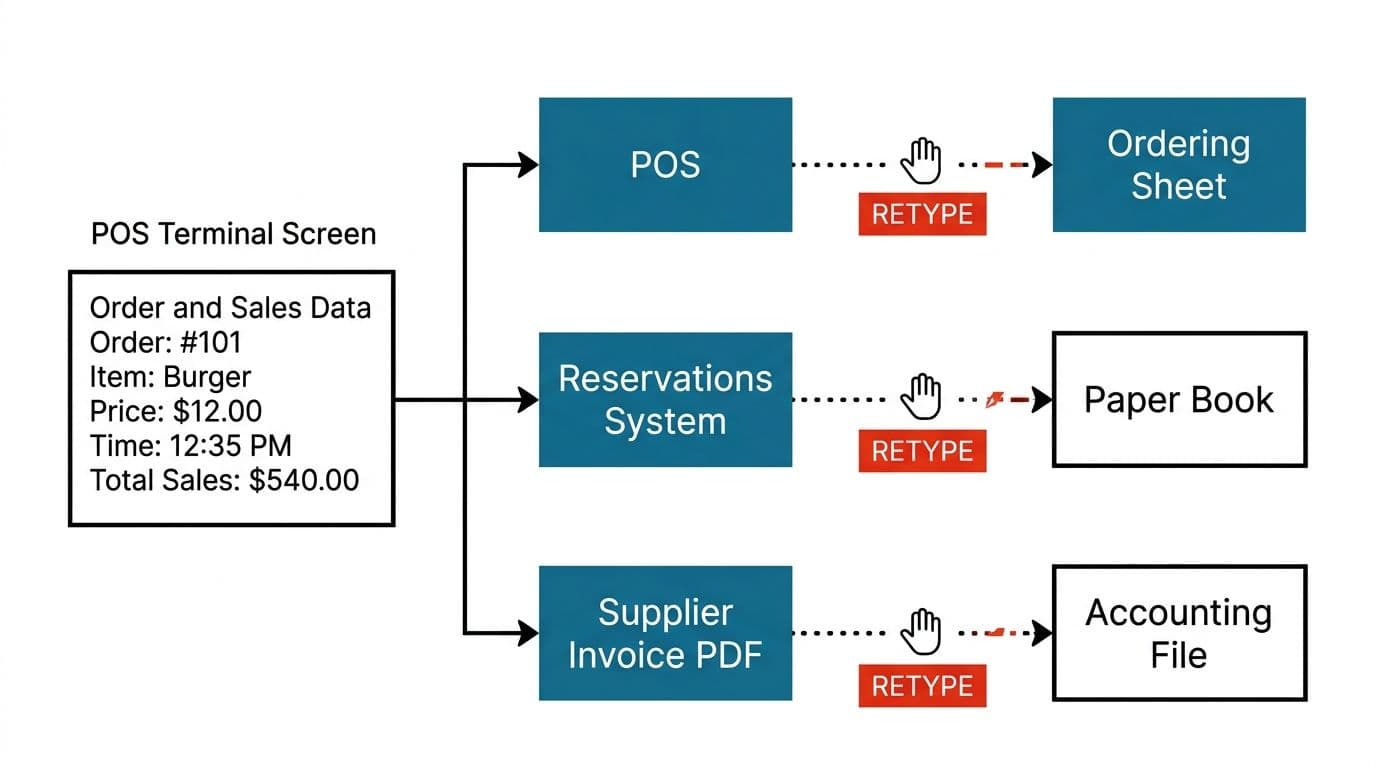
An automation review runs the other way around. You spend a few hours watching where information gets typed twice. Covers move from the POS into the ordering sheet. Reservations move from the booking platform into the paper book. Invoices move from the supplier's PDF into the accounting file. Each of those handoffs is a candidate, and each one has a measurable cost in hours per week.
Three things usually come out of that review. First, a short list of tasks genuinely worth automating. Second, a map of which systems hold the authoritative version of each piece of data. Third, and this is the one owners don't expect, a list of things you should not build.
Sometimes a setting inside the POS you already pay for solves the problem. We'll tell you that rather than quote for work you don't need, because a restaurant automation implementation that removes two subscriptions is a better outcome than one that adds a third.
Book a free automation audit before you price any software.
Integrating AI With POS Systems So the Agent Isn't Guessing
Your POS is the system of record. It knows what sold, at what price, and usually what came out of stock to make it. An agent that can't read it accurately will always be describing yesterday's restaurant.
This is where the restaurant AI integration steps get specific. You need to know which POS you run and which version. You need to know whether its API allows writes or only reads, how often it refreshes inventory counts, and what happens to a request when the connection drops mid-service. Those answers decide what the agent can be trusted with. A POS that exposes sales data hourly but won't accept inventory writes means your agent can report and alert, but a person still adjusts the counts.
Integrating AI with POS systems is plumbing work, and plumbing has to be tested under load. A connection that behaves on a quiet Tuesday afternoon needs to survive a Friday rush with the card terminal timing out. We handle this as AI software integration into the tools you already run rather than a platform migration, and where a system has no usable API we build a custom API layer and wrapper around the existing software. Our integration guides cover how those connections are structured and tested.
The Customer-Facing Side, and Getting the Menu Right First
Start here. Reservation questions, allergen questions, order status, parking, dog policy, whether you do set menus for twelve people. It's the same twenty questions on repeat, and the cost of getting one slightly wrong is far lower than the cost of a mispriced order.
Retrieval augmented generation, or RAG, is the piece that makes this work honestly. Instead of the model answering from general knowledge, it looks up your actual menu, your actual booking policy, and your actual hours, then answers from those documents. That matters when the menu changes weekly or when three locations run different lists. Customer support AI built on your own documents stays accurate because it's reading your source material, not improvising around it.
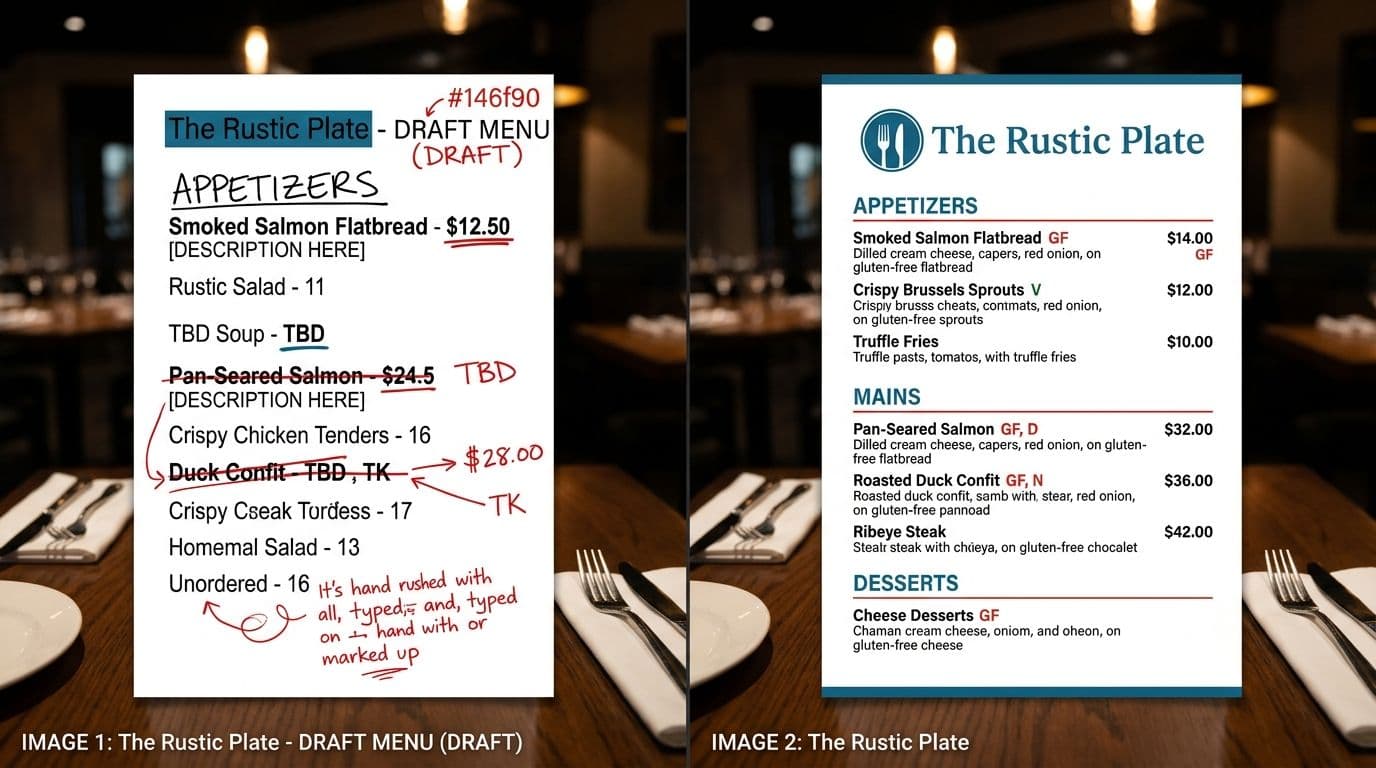
There's a step people skip, though. If your menu has inconsistent formatting, two different prices for the same dish, or placeholder text left over from the last print run, the agent will repeat all of it with total confidence. Finalize the menu first, with consistent item names, correct prices, and allergen notes that match the kitchen's reality. It's a one-time content job, not an ongoing automation, and it's the cheapest insurance in the whole project.
Decision Support: Pull the Numbers, Leave the Call to a Person
When an owner says they want AI help with decisions, they almost always mean they're tired of building the report. Which starters are dying. What the Thursday pattern looks like since the new menu. Whether the fish order should drop by a third next week.
Automate the gathering, not the judgment. An agent can pull four weeks of sales by item, cross it against current stock and supplier lead times, and put a one-page summary in front of you every Monday morning. You still decide whether to cut the dish. That split is deliberate. AI workflow automation for restaurants earns its money by removing the two hours of spreadsheet assembly, not by replacing the instinct you've built over years of service.
The same pattern applies to the back office. Supplier invoices, delivery notes, and credit claims are all documents that get retyped by hand, and workflow automation across those steps removes most of the keying. A related approach is covered in our piece on how agents sort and route incoming requests automatically, which uses the same logic applied to support queues.
A Realistic Restaurant AI Rollout Timeline
The failure mode is launching everything at once. Ordering, customer service, reporting, and stock alerts all go live in the same week, something breaks during service, and the whole thing gets switched off by Saturday. Nobody can tell which piece failed because four pieces changed together.
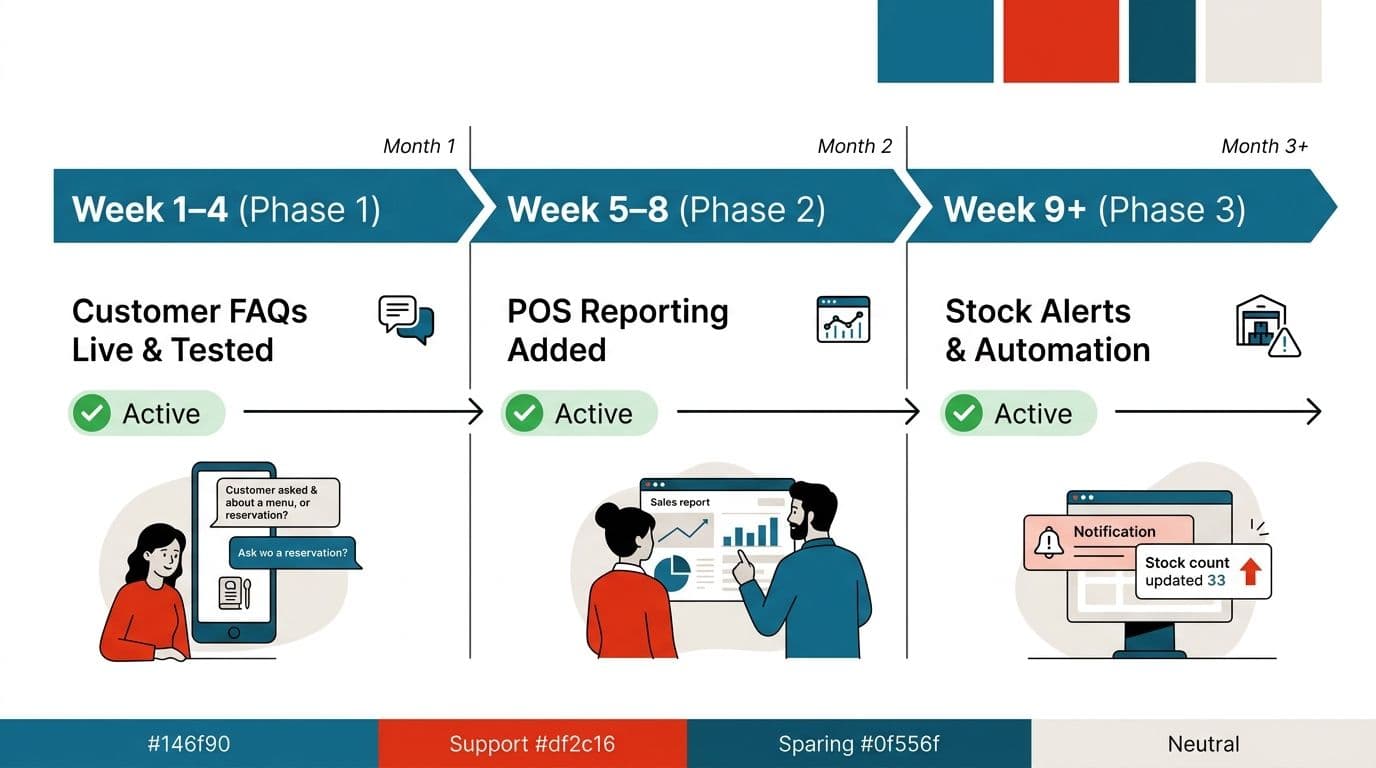
A workable restaurant AI rollout timeline starts with one workflow. Pick the lowest-risk, highest-volume one, usually customer FAQs, and build from there. Build it, connect it to your real menu, test it against real questions for two weeks, and read every conversation it has. Working software in the first month is a fair bar to hold us to, and that's how we price it: a fixed figure named before the work begins, so a longer build doesn't become your problem.
Expand only once the first piece has survived contact with a busy service. Add the POS reporting agent next, then stock alerts, then anything that writes back to live systems. A restaurant automation implementation done in stages takes slightly longer on paper and far less time in practice, because you're never debugging four unknowns at once. You can see how our build process runs week by week before committing to anything.
Questions to Ask Before Committing to AI Agent Implementation in a Restaurant
Ask whether your sales and customer data will be used to train the vendor's models. On enterprise endpoints with retention switched off, the answer is no, and the vendor should be able to show you where that setting lives rather than reassuring you verbally. If your data genuinely can't leave your infrastructure, private model hosting and fine-tuning is an option, though no setup anywhere can be called breach-proof.
Ask who owns the code, the cloud accounts, and the API keys when the project ends. If the answer isn't you, you're renting.
Ask what happens to your model costs as order volume grows. Get the per-request number rather than a monthly estimate.
Then ask the one question most vendors won't raise. Do you need anything built at all. A good AI agent setup for restaurants sometimes turns out to be two integrations and a settings change in software you already pay for.
Write down the three tasks that cost your team the most hours this week, and check which system already holds the data for each one. That list is the start of any sensible build. Book a free automation audit and we'll go through it with you.
Wondering what this would take against your own systems?
The audit costs nothing, and you keep the costed plan and the risks whether you go ahead or not.
Book a free automation auditCommon questions
How long does it take to set up AI agents in a restaurant?
It depends on scope. A single workflow such as customer FAQs or reservation handling can be running within the first month. Wider rollout follows once that first piece has been tested against real orders and real customers.
Does this replace staff?
No. It targets the repetitive parts: retyping between systems, answering the same questions, compiling weekly reports. People still make the decisions and approve anything touching money or a customer.
Can AI agents work with our existing POS and reservation system?
That's the usual approach. Integration is built around the systems already in place rather than replacing them, which is normally cheaper and far less disruptive than switching platforms mid-service.
Is our customer and sales data safe?
On enterprise setups, data retention and model training can be switched off, and that's worth confirming in writing before you share anything. We won't claim any configuration is breach-proof, because none is.
Do we need a custom build or is off-the-shelf enough?
It depends on how unusual your workflow is. Plenty of restaurants are served fine by existing tools, and you should get a straight answer on that before anyone recommends building.

Arun Andiselvam
LinkedInI am a startup veteran who has built five brands. I sold the first, an SEO tool, for a six figure exit, and now build AI automation products for businesses. I bootstrapped every one of them from day one.